
Download AWZ AnyPorter – GPS Spoofing, Location Simulation, iOS Navigation Tool
Overview
AWZ AnyPorter is a specialized navigation utility designed for iOS users seeking to manipulate their device’s GPS location with minimal technical effort. The app targets individuals who need to simulate movement or set custom locations for various location-dependent applications and games. Its primary function lies in simplifying GPS spoofing—a process often complicated by system-level restrictions on iOS—by providing a streamlined interface and stable backend support. The app is particularly useful for gamers who wish to access region-locked content, travelers testing location-based apps without physical movement, or privacy-conscious users who want to limit real-time tracking. While the developer did not provide a detailed background, the app’s focus on iOS-specific functionality suggests a niche expertise in circumventing platform limitations. Real-world use cases include testing geolocation features in development environments, bypassing regional restrictions in mobile games, or maintaining privacy during app usage. In the broader mobile app ecosystem, AWZ AnyPorter fills a gap for users seeking reliable, accessible GPS spoofing tools on Apple’s closed platform. Its presence underscores the growing demand for location manipulation utilities despite Apple’s tight security policies.Key Features & Functionality
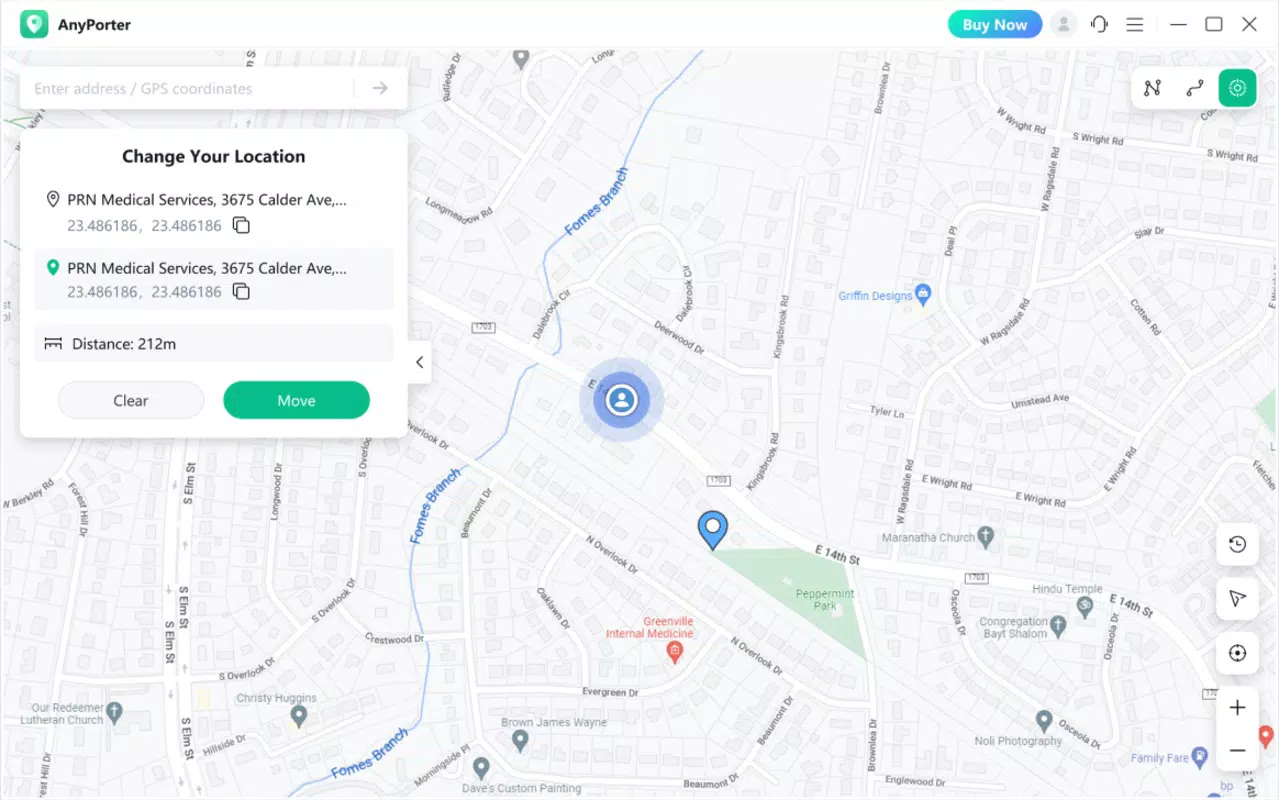
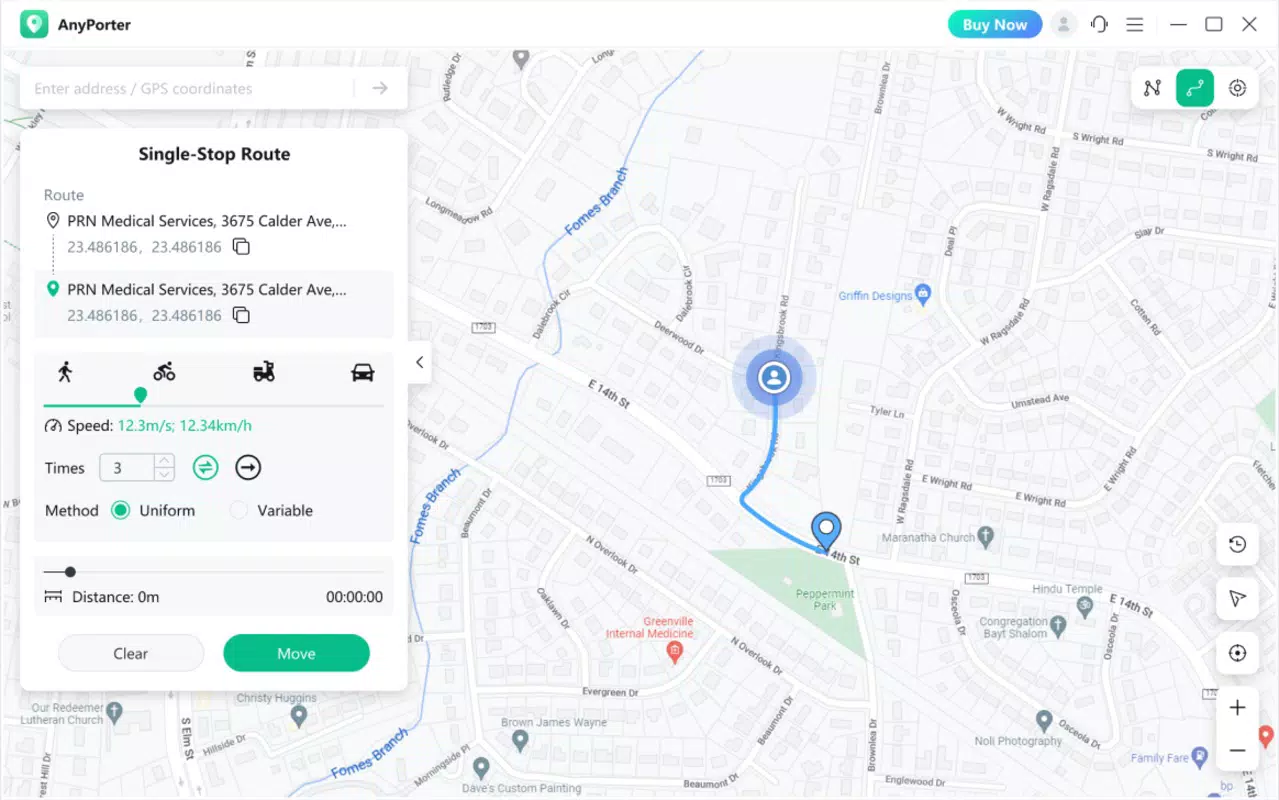
AWZ AnyPorter delivers a suite of tools tailored to precise location control on iOS devices. The app features a user-friendly interface that enables quick access to GPS spoofing functions, allowing users to set custom locations without complex configurations. A map-based interface lets users search for specific addresses or input precise coordinates to simulate a desired location. This functionality supports both static location settings and dynamic waypoint configurations, enabling users to simulate movement across multiple points. The ability to define custom waypoints is particularly valuable for testing navigation apps or playing location-based games that require route progression. The app is designed to maintain consistent location spoofing across various applications, ensuring that games and services recognize the simulated GPS data. Additionally, AWZ AnyPorter includes learning resources available on the developer’s official website, offering guides and tutorials to help users navigate its features. These materials are essential for new users who may encounter a slight learning curve due to the technical nature of GPS spoofing. Subscription options are flexible, including multiple tiers and a lifetime purchase, with a free trial available to evaluate functionality before committing. This model supports both casual users and power users requiring extended access.Real-World Use Cases
- Gamers can access region-restricted in-game events or items by setting a location in a permitted region. - Developers can test geolocation features in apps without traveling to different physical locations. - Privacy advocates may use the app to prevent real-time tracking by location-sensitive services. - Travelers can simulate arrival in a destination to test hotel booking apps or navigation tools.Interface, UX & Performance
The interface of AWZ AnyPorter is built around simplicity and visual clarity. Users are greeted with a clean map layout that dominates the screen, allowing immediate interaction with location settings. Navigation is intuitive, with clearly labeled buttons for searching addresses, entering coordinates, and managing waypoints. The app’s visual style emphasizes functionality over ornamentation, using minimalistic design elements to reduce cognitive load. Users can switch between map and list views seamlessly, depending on their preferred method of location input. Although the developer did not list formal performance metrics, the app appears optimized for consistent operation across iOS devices. Responsiveness is maintained during location changes, and the app maintains stability even when multiple applications rely on GPS data simultaneously. The user experience is further enhanced by contextual tooltips and onboarding guidance, which help reduce the learning curve. While no official benchmarks were provided, the app’s design suggests a focus on reliability and low-latency updates. Compatibility with different iOS device categories—ranging from compact models to larger-screened devices—was not fully disclosed. However, the interface adapts well to varying screen sizes, indicating responsive layout practices. Overall, the UX prioritizes ease of use without sacrificing control, making it accessible to both novice and experienced users.Platform Compatibility & Technical Requirements
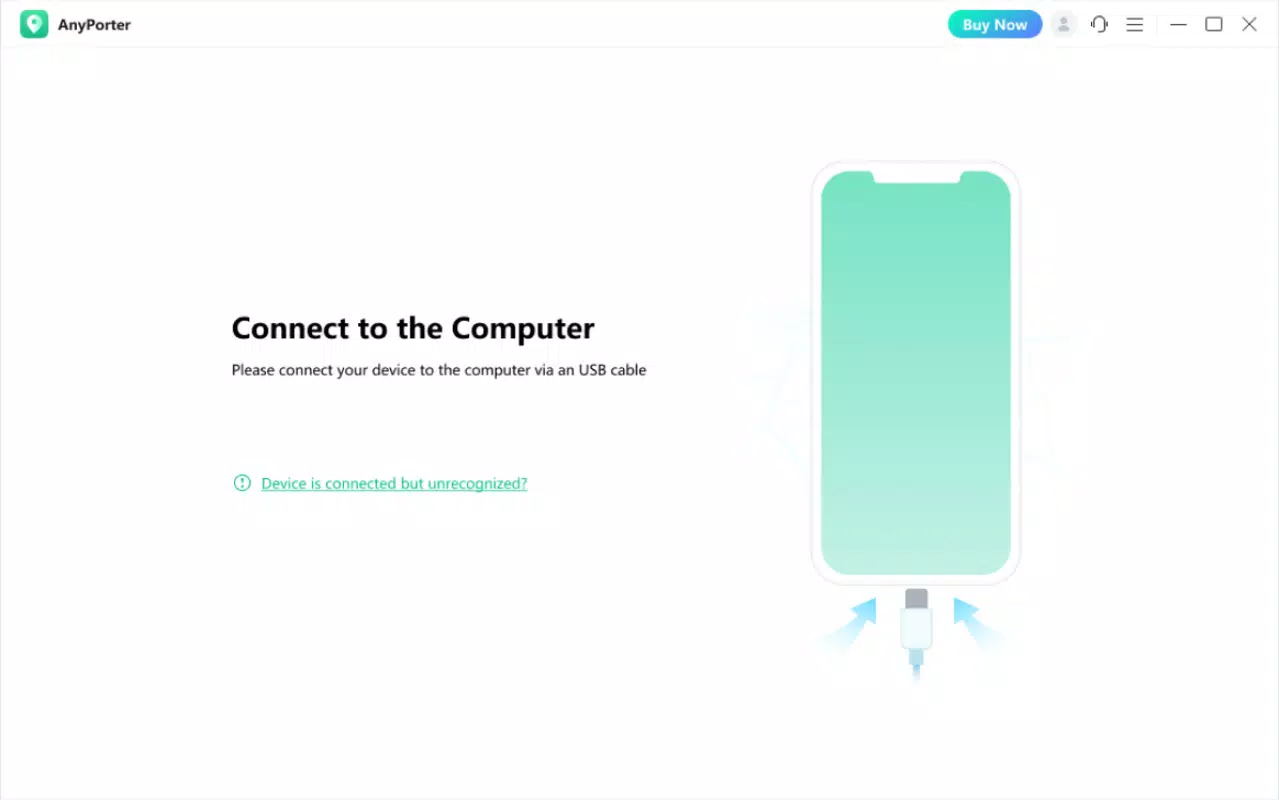
AWZ AnyPorter is designed exclusively for iOS devices, ensuring full integration with Apple’s ecosystem. The app supports the latest iOS versions, although specific minimum OS requirements were not listed. It is available for download on the App Store, though details about file size and exact version compatibility were not disclosed. The app’s performance and functionality are optimized for GPS-equipped iPhones and iPads, aligning with Apple’s hardware standards. The developer did not specify minimum storage requirements or device models. Users are advised to ensure their device is running a recent version of iOS to maintain compatibility. No information was provided regarding background operation, battery impact, or system permissions. While the app functions within Apple’s security framework, users should be aware that GPS spoofing may trigger warnings in certain apps or services. The lack of detailed technical specifications does not detract from usability, but it limits transparency for advanced users seeking in-depth system insights.Pros and Cons
- Intuitive map-based interface for quick location setup
- Supports both address search and manual coordinate input
- Flexible subscription and lifetime purchase options
- Offers a free trial for risk-free evaluation
- Provides tutorials and guides on the official website
- Compatibility with specific iOS versions not clearly stated
- No official details on battery usage or background performance
- GPS spoofing may be detected by some apps or services
- Requires iOS device with GPS capability
- Developer did not provide technical specifications or system requirements


